I always found shoes a bit of a mystery so I did a section just on them. It all gets down to that hump around the toes and then bending the toe-area and not any other part of the foot when adding heels.
I’m going to work on the landscape of the back next and then we’ll see!
This week I’ve prepared some tips for everyone who is confused with arms. I know that pronation and supination is confusing and I recommend to learn in by heart ❤
I have also announcement!
The day is approaching when I will release ebook or Gumroad PDF with all my anatomy tips + additional lessons + commentary.
I still am thinking how I will publish this but it will be done. Anyone who’s interested finally will be able to get everything in one place and some more good content. I will post some dates soon so look for that in next few weeks !
Yes, we haven’t done this in a while… but our inbox and chat are swamped with questions on the subject, so this article was very much needed.
it’s a simple list of art apps, but we know you love those 😀
Enough with the intro, here it is, a list of twelve art apps you may want to check out.
ArtRage is an art program for beginners and professionals. With its minimal interface, it’s easy to keep the essential tools at hand without stealing space from the canvas. Panels can be moved around and tools can be customised. We all know how important it is for digital artists to be able to modify brushes!
Pros: easy to use; friendly interface; essential tools from professional apps available; available for iOS, Android, Windows and Mac
Cons: it may get sluggish with big files and when using big brushes, but performances also depend on the running machine; limited selection of editing tools if compared to Photoshop – ArtRage is more of a painting program rather than an editing one.
Paid
ArtRage Lite is a different version at a cheaper price, mostly for beginners, but also for professionals if they need the essential.
Now free, Sketchbook is the famous app created by Autodesk for various platforms.
Pros: clean, friendly interface; easy to use; professional features
Cons: lack of official tutorials; doesn’t offer as many tools as other apps (it’s down to the essential); paid subscription in Adobe style for multiple licenses
Free and paid
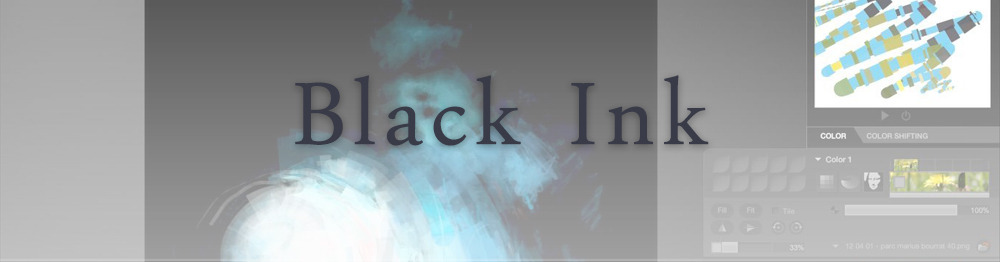
Black Ink is a powerful little program few actually know, but there’s a reason: this isn’t your classing drawing app. What’s cool about it is the vast selection of special brushes, completely non-realistic, and definitely able to boost your creativity.
Pros: vast selection of customisable brushes; excellent performance
Cons: not very easy to use; non-intuitive interface
Paid
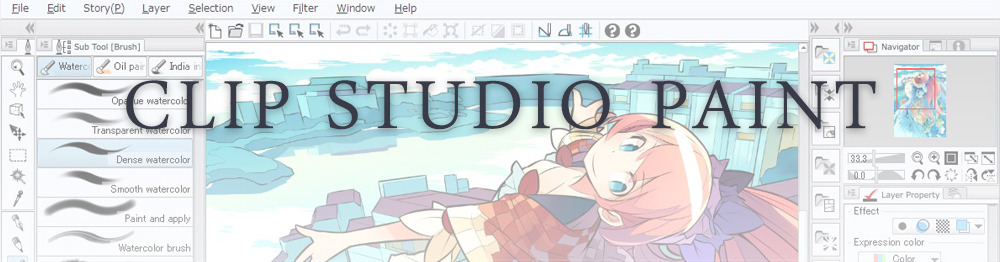
This is probably the most complete software for painting, drawing and animation. It was originally known as Manga Studio, but with its updates and addition of features, it became Clip Studio Paint.
This doesn’t say much about the quality of the features themselves considering the affordable price (if you haven’t used the app yet, that is), but among graphic apps, this one is the top seller.
Pros: professional features for illustrators; layout tools for comic/manga artists; 3D reference models; customisable tools; various sales with special prices
Cons: the interface may not appear intuitive at first; the program may lag (again, performance also depends on the running machine)
Paid
GIMP is the famous open source image editor originally created for GNU/Linux and available for OS X and Windows.
Best known as Photoshop’s main competition, this is a manipulation program for both beginners and professionals who love design.
It offers many professional features, making the program a powerful tool.
Pros: professional editing tools; supports different formats; supported by different platforms; active community
Cons: in spite of the simple design, many options are hidden and it takes time to discover all the features; slow startup
Free
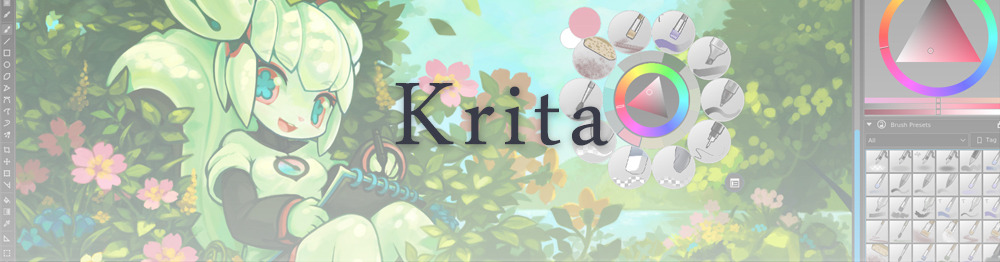
Krita is an open source painting app created by artists for artists.
Pros: easy to use; intuitive interface; great brush workflow; brush stabilizer; customisable brushes; general good performance; very enthusiastic, although small, community
Cons: it may be slow or even crash depending on the running computer and the app’s version; very few editing tools compared to Photoshop
Free
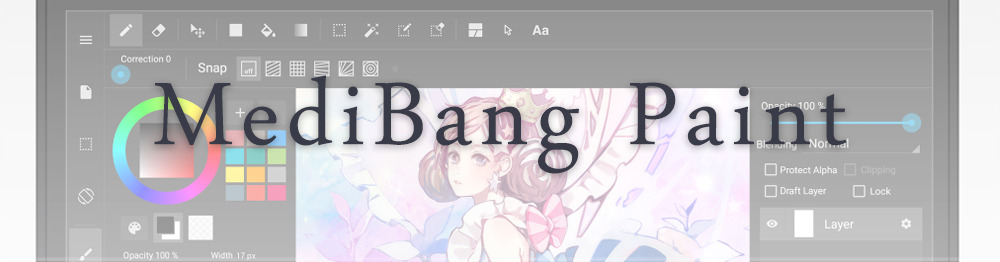
MediBang Paint is a free and light app for drawing and painting, perfect for manga and comic creation.
Pros: vast selection of brushes; cloud sharing; friendly, minimal interface (non-desktop app); also available for iPad, iPhone and Android
Cons: requires an account to use all features; non-intuitive interface (desktop version)
Free
Mischief is a sketching app with essential tools, useful for brainstorming and ideation.
Pros: infinite drawing canvas; friendly interface; easy to use; cheap pro version
Cons: few updates; offers only the essential (but that’s the point); no editing/adjustment tools
Free and paid
Corel’s jewel, Painter is the most famous software that offers digital tools able to give a traditional feel to brushes and canvas.
Pros: different selection of media; many professional features; PS-friendly
Cons: certain brushes may work slow; not easy to use at first; the software may crash (this is the most common report); pricey
Paid
Paintstorm Studio is a professional software for digital painting. It’s focused on the use of brushes and blending, which makes the software a little gem in the digital painting field.
Pros: good brush workflow; brush stabilizer; “close gap” feature; customisable interface and tools; professional features; affordable price
With the very sensitive Apple Pencil, Procreate is so easy to use that many artists chose the iPad over the most famous graphic tablets.
Pros: friendly interface; makes it easy to organise files; excellent brush workflow; customisable brushes; video recording; affordable price
Cons: hidden features; only available for iPad
Paid
SAI is a simple app for artists who want to focus on painting and drawing.
It’s well known for its good pressure support and its essential tools for manga artists, but SAI can be used by any kind of artist who wants to paint.
Pros: easy to use; friendly interface; light software; customisable brushes; tons of (non-official) tutorials
Cons: limited selection of tools, even basic ones; limited canvas sizes and uses; it might crash from intensive work, especially with big canvases and brushes; supports only RGB colour mode; lack of support
Paid
We hope you’ll find this list useful.
If you think there are other apps that should have made this list, don’t hesitate to let us know!
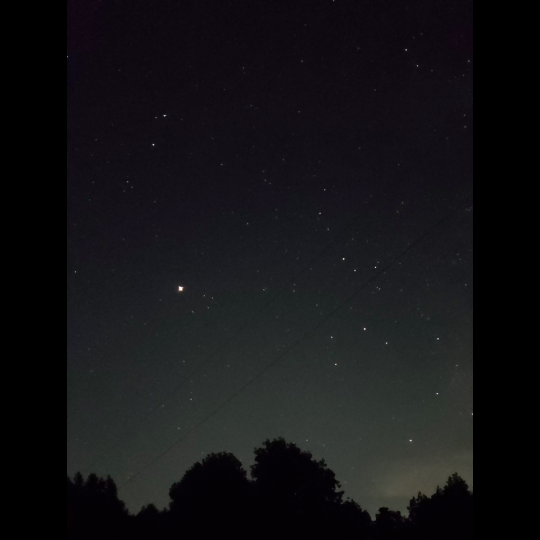
im very grateful for the lessons in photography i was taught in stop motion class because just now they made it possible to photograph the stars with my phone in spite of the camera usually not detecting the light of stars because theyre so dim,,,, enjoy these shiny motherfuckers
ok so if everythings normal, your phone camera should have a manual mode (sometimes called pro mode). in it, change the settings of the shutter lag to 20 seconds, then put the phone down on some stable, plane surface and press the photo button (usually when using your camera, the volume buttons can be used as photo button) and let the phone still for the whole 20 seconds.
(basically the problem with most cameras is that they dont have a very good light sensitivity in the dark, however that doesnt mean they cant detect it at all. the longer the shutter is open, the more light your camera takes in and the more burnt/light your pic will be, so in (literally) dark situations, make the shutter lag longer to get all that light you need! also i said 20 seconds but really you can make it shorter or longer depending on what kinda stuff you want for your stars)
Yes this!
Additionally, adjust your ISO to the highest number (mimics the film used for very low light and low speed images)
And set your shutter speed to the longest time possible (on my phone it’s 10 seconds).
Leave your focus settings on Auto, and if your phone camera has a timer option, turn that on (five seconds is generally enough).
Plan your shot first, then find a place to set your phone down so you can get the image you want. The less light pollution, the better; you’ll pick up FAR more stars in your picture.
Once you know what you want to shoot, tap your screen to “focus” it, then hit the button to take the picture, set your phone down, and back away from the “tripod”. Don’t touch your phone for a good 15 seconds, just to be sure.
You will not be disappointed in the results, let me assure you.
Not even a little bit.
From a really useful smartphone photography course, the instructor shared this helpful list of phone photography apps that are free or under $5. Adobe Lightroom’s app is free and you can use it without a paid Adobe subscription, and it has a manual camera setup.
So, sometimes mom shows me posts on Facebook that she thinks I should see, since I adamantly refuse to have an account of my own on that hellsite (one hellsite is quite enough, and tumblr had more people I’d interact with).
Yesterday, she shows me a post, and I made the mistake of reading the comments. Because while the OP was someone who is a fine and upstanding person with a very good point about how frustrating being told that the fiber art that one makes isn’t worth the making, the one commentor. Is. Not.
And when it was pointed out to them that declaring all hand-made goods crap and the artisan’s time worthless they are being rude at the very least, they doubled-down on their assertation and said the only thing which was worth paying for time was cheese or whisky/whiskey, because it has to age, and everything else must be paid for by the value a consumer assigns to it. That if an artisan wants to even consider being paid more than what someone might pay in a store, the burden of proof that their education/time/effort is worth more than pennies is all on them, and not on the consumer to EDUCATE THEIR DAMNED SELVES about how much work goes into creating those products.
I have gone past the initial “ok, I’m angry, let’s educate this motherfucker” to “let this unworthy thing find themselves without family, friends, or name, and let them burn.”
I’ve been around for a really long time in various fandoms, and no one ever writes this stuff down. I’ll start. Please add to the list. We can’t expect people to follow “rules” they don’t know exist.
if you like something, reblog it. Help the artist get their work out there in front of more people. Share the joy that it brought you.
if you want more of it, support it. This can be via commissions, reblogs, recommending the artist to other people, shouting in the tags, or sending the artist asks/messages.
if you hate it, keep scrolling. Keep the hate in a message window with a friend, not in the artist’s notes.
if you want to use it, ask permission. Artwork is beautiful and you want to show it off. But please ask the artist before you throw it into your header or your icon.
if you use it, give credit. And not just a post where you say “Do you like my new icon? X made it!”. Put it in your blog description, that way when someone rolls around your blog three months from now, they also know where your icon/header came from.
Fanfic
if you like something, reblog it. Help the author get their work out there in front of more people. Share the joy that it brought you.
if you want more of it, support it. Kudos are fine, but if you want more of the thing you like, you should comment. Subscribe to the story or the author. Send them a message about how much you like what they wrote.
if you read it, kudos it. Or give it a thumbs up. And this is just if you managed to get all the way to the end. If you finished the story and you actually liked it? Comment and reblog.
don’t demand content. Be patient. Stories take time. You can encourage without being demanding. Show your love for what’s there without telling them to post more often.
be gentle with criticism. Some people want it and some people run away from it. If you don’t know what type of person the author is, it’s best not to go there. “If you can’t say something nice, don’t say anything.”
Fandom
ship and let ship. You love your ship and other people love theirs. No one needs to “win” when we’re all going to end up in tears anyway.
if you hate it, stay out of the tag. This has two meanings: 1) don’t deliberately put hateful commentary in a tag and 2) if you hate a tag, don’t go and read through that tag just to make yourself angry
if someone makes you something, appreciate it. Read and comment the fic. Like and reblog the artwork. Pimp it out and tell them how much you loved it. It’s a gift, treat it like one.
if it’s a gift, put some effort into it. You signed up for that exchange three months ago and now it’s a week before you have to send the gift and you don’t have the time or the inclination to do the thing. Well too bad. Someone out there has been working hard in your gift, so you should do the same for them.
none of us are “better” than anyone else. We’re all trash for our particular show/film/book/ship/artist/what-have-you. My fave is no better than yours and yours is no better than mine.
actors are not their characters. They are people. Treat them like people.
*gently slams the reblog button*
Not on my own account, but writers I know have been on the receiving end of more unwarranted and plain rude crap than usual lately…
In the Italian city of Verona, local street artist Cibo paints colorful wall art full of appetizing food over neo-nazi graffiti (x)
“It’s my civic duty, and my right … honestly I feel like have a right to cover [erase] these kinds of things. Since I’m doing a public form of art, I have to take care of my city and … it’s like my own art gallery. How do you explain a swastika to a child? How do you do it? It’s impossible. It’s a racist message. And it’s not okay .”









 There's a Mirror on the Wall