Sadly I did not win the lottery yesterday so i’m making this post. Anyway as I’m sure most of you following me are probably aware of by now my housemate has done us dirty and planned to skive off the last two months rent. Since talking with her I’ve managed to convince her to pay half rent for December and said the other half will be her birthday present.
However this puts me at least $440 out of pocket – depending if she does the right thing and still contributes to the utilities (within reason -i’m not going to charge her for the time she’s not here) and cleaning expenses. At worst I’ll be around $900 out.
I also need to find a place to move to and then hire a moving truck and applicance shifter – looking at about $400 to get both things.
So – this is me saying if you wanna help a girl out (it’s not necessary my savings should be enough to eat that hit provided the car doesn’t break again) but if you wanna help:
I have Two Books of Poetry published (!!!), you can find them HEREin both paperback and ebook format (the third collection is undergoing editing but might be up in time for my bday – dec 10)
In Dreamscapes Flyingis a collection of fantasy poetry – think, dreams/nightmares/fantastical creatures/epic battles and the like.
Eros’ Lessons Learnedis a MATURE-RATED (18+) collection of erotic/sensual/sexy poetry. It’s an unabashed celebration of physical desire, and I’m quite proud of how it turned out.
YOU CAN FIND THEM HERE! (Amazon has In Dreamscapes Flying in paperback and will have Eros’ Lessons at a later date but if you’re looking to help me money-wise buying through Lulu is the best option for me).
I also have a ko-fi button on my blog if you wanna drop me some change.
Stay lovely my darlings ❤ thanks to all of you who have previously bought Dreamscapes and who like and reblog and support my writing on here – I love you all and hope you have a great day/night
Push for my bae to get the help she needs, as she’s always the first I know of to help others if they need it. @jahaliel deserves the love. ❤
Chapters: 1/1 Fandom: Marvel Cinematic Universe, Norse Religion & Lore Rating: Teen And Up Audiences Warnings: Creator Chose Not To Use Archive Warnings Relationships: Pietro Maximoff & Wanda Maximoff, Wanda Maximoff & Vali, Pietro Maximoff & Nari, Vali & Nari & Loki Characters: Wanda Maximoff, Pietro Maximoff, Vali, Nari Additional Tags: Alternate Universe, GFY Series: Part 7 of Ofinn Börn Summary:
Red spills like blood from Vali’s hands, Wanda’s smile sharp and vicious as any wolf. Nari moves like light itself, Pietro laughing as he gathers their sister-brother to his chest.
Thanks anon! I’m so sorry you’re living under Bolsonaro, and I hope that you stay safe and also keep fighting.
This snippet is one of the most recent bits of Anabasis I’ve written, featuring Jocasta and Dooku. There’s a few references to things that have happened in previously posted snippets, and also a couple of references to things which I refuse to explain, because I’m trying to maintain some level of suspense. I hope it brings you some joy.
Yan seemed surprised to find Jocasta waiting for him outside
his quarters – surprised enough that it actually took him a moment to hide it.
In earlier days Jocasta might have teased him about that. Now she only leveled
a pointed stare at him and waited.
“Ah,” said Yan at last. He didn’t smile. “Won’t you come in,
Jo?”
He hadn’t called her Jo in years. Decades, maybe. The name
made something in her soften, just a little, but she was careful not to let it
show on her face. He swiped the door open and she followed him inside without a
word.
“Tea?” asked Yan, already filling the kettle with enough
water for two and setting it to boil on the cooker.
Jocasta sighed. He was determined to be unflappable, but
perhaps she could allow him that. It wasn’t really him she was frustrated with,
after all.
But that didn’t mean she needed to make things too easy for
him.
Chapters: 1/1 Fandom: Marvel Cinematic Universe, Norse Religion & Lore Rating: Teen And Up Audiences Warnings: Creator Chose Not To Use Archive Warnings Relationships: Pietro Maximoff & Wanda Maximoff, Wanda Maximoff & Vali, Pietro Maximoff & Nari, Vali & Nari & Loki Characters: Wanda Maximoff, Pietro Maximoff, Vali, Nari Additional Tags: Alternate Universe, GFY Series: Part 7 of Ofinn Börn Summary:
Red spills like blood from Vali’s hands, Wanda’s smile sharp and vicious as any wolf. Nari moves like light itself, Pietro laughing as he gathers their sister-brother to his chest.
I honestly think that we would eliminate one of the major causes of ableism if we stopped basing people’s worth off how much revenue they generate.
This measure is worthless. Actually, it is worth less than nothing.
I used to be a programmer for a spammer. Being rather young, naive, and also desperate for some kind of income, I had no idea what “lead generation” meant and had no idea that the fact that they didn’t talk about how their nebulous product actually helped anyone was a huge red flag. I took the job, slowly learned the codebase, and it took me months to figure out what kind of practices this place actually employed.
I was asked to put in obnoxious popups, but hide the popups for traffic coming in from Google so that Google wouldn’t cut off their sponsored traffic because the site violated their standards, a few months into my time there. That was when I began to realize the kind of place I was working at. Then I was asked to create a throwaway email account to test something, and I found out what actually happened to the poor people who put their information in for Free Insurance Quotes. They were inundated with spam. I found out the company had no site of its own, just hundreds of these “Free Insurance Quotes” sites all with slightly different stock photos and slightly different forms and a “complaints” page that was very hard to find with an email that was never checked.
I was a Hardworking Taxpaying American when I worked at that job. I was, according to this capitalist logic, contributing to society and of much more value than a disabled person who supposedly is a leech on society.
I was making the world worse by working at that job. I would have been making the world better if I did absolutely nothing but stare at the wall all day rather than work that job.
Many jobs are like this. Anyone who works at an oil company is making the world worse. Anyone who works at a tobacco company is making the world worse. People in various abusive therapy industries are making the world worse. I’m sure you can name plenty of other jobs in this category. The world would be better if those jobs did not exist.
Now, I am disabled. I am chronically ill, and I cannot even work a sedentary job because having to sit up for eight hours at a time would make me have to lie in bed for days.
I am making the world much better now by replacing the invasive grasses on my front lawn with strawberries that attract native bees, by sealing my house to increase its energy efficiency, by taking care of a flock of chickens and doing my best to ensure that they have a good happy life, by replenishing the soil in the yard with compost and chicken manure, than I was at that job. And I don’t do very much – I can’t.
Equating the arbitrary numbers one accumulates for oneself to one’s actual value or contribution is a dangerous lie, and it is poisoning the planet.
This is so incredibly important. Thank you for this.
Those of you who are eligable to vote in the US, if you’ve already done so, I am proud of you. If you have not, I hope you’re able to get to the polls wherever you’re at to do so.
Yes, we haven’t done this in a while… but our inbox and chat are swamped with questions on the subject, so this article was very much needed.
it’s a simple list of art apps, but we know you love those 😀
Enough with the intro, here it is, a list of twelve art apps you may want to check out.
ArtRage is an art program for beginners and professionals. With its minimal interface, it’s easy to keep the essential tools at hand without stealing space from the canvas. Panels can be moved around and tools can be customised. We all know how important it is for digital artists to be able to modify brushes!
Pros: easy to use; friendly interface; essential tools from professional apps available; available for iOS, Android, Windows and Mac
Cons: it may get sluggish with big files and when using big brushes, but performances also depend on the running machine; limited selection of editing tools if compared to Photoshop – ArtRage is more of a painting program rather than an editing one.
Paid
ArtRage Lite is a different version at a cheaper price, mostly for beginners, but also for professionals if they need the essential.
Now free, Sketchbook is the famous app created by Autodesk for various platforms.
Pros: clean, friendly interface; easy to use; professional features
Cons: lack of official tutorials; doesn’t offer as many tools as other apps (it’s down to the essential); paid subscription in Adobe style for multiple licenses
Free and paid
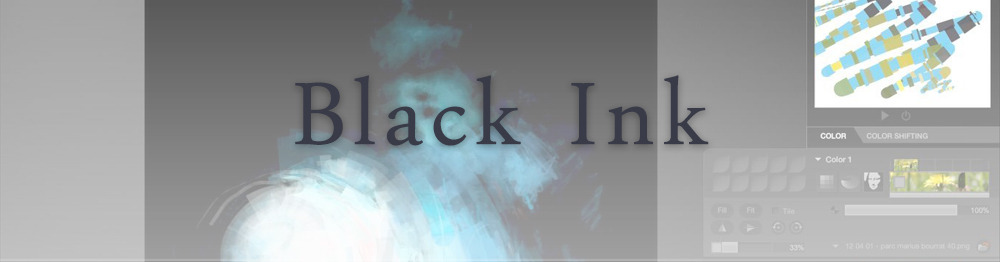
Black Ink is a powerful little program few actually know, but there’s a reason: this isn’t your classing drawing app. What’s cool about it is the vast selection of special brushes, completely non-realistic, and definitely able to boost your creativity.
Pros: vast selection of customisable brushes; excellent performance
Cons: not very easy to use; non-intuitive interface
Paid
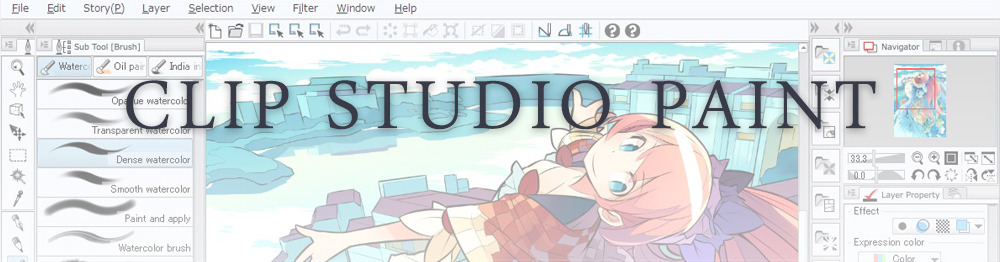
This is probably the most complete software for painting, drawing and animation. It was originally known as Manga Studio, but with its updates and addition of features, it became Clip Studio Paint.
This doesn’t say much about the quality of the features themselves considering the affordable price (if you haven’t used the app yet, that is), but among graphic apps, this one is the top seller.
Pros: professional features for illustrators; layout tools for comic/manga artists; 3D reference models; customisable tools; various sales with special prices
Cons: the interface may not appear intuitive at first; the program may lag (again, performance also depends on the running machine)
Paid
GIMP is the famous open source image editor originally created for GNU/Linux and available for OS X and Windows.
Best known as Photoshop’s main competition, this is a manipulation program for both beginners and professionals who love design.
It offers many professional features, making the program a powerful tool.
Pros: professional editing tools; supports different formats; supported by different platforms; active community
Cons: in spite of the simple design, many options are hidden and it takes time to discover all the features; slow startup
Free
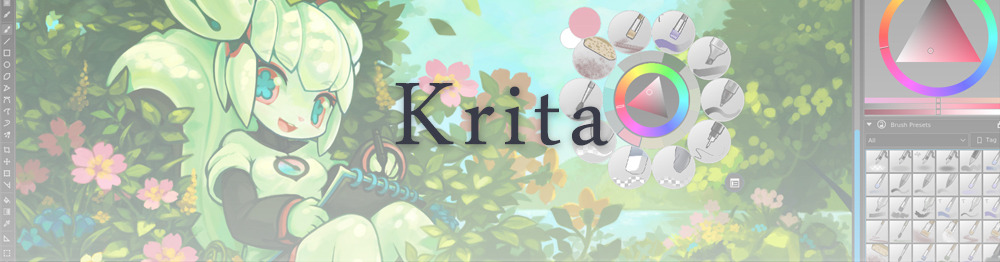
Krita is an open source painting app created by artists for artists.
Pros: easy to use; intuitive interface; great brush workflow; brush stabilizer; customisable brushes; general good performance; very enthusiastic, although small, community
Cons: it may be slow or even crash depending on the running computer and the app’s version; very few editing tools compared to Photoshop
Free
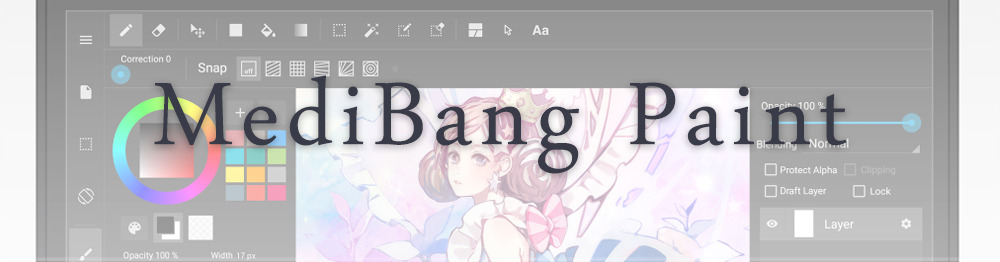
MediBang Paint is a free and light app for drawing and painting, perfect for manga and comic creation.
Pros: vast selection of brushes; cloud sharing; friendly, minimal interface (non-desktop app); also available for iPad, iPhone and Android
Cons: requires an account to use all features; non-intuitive interface (desktop version)
Free
Mischief is a sketching app with essential tools, useful for brainstorming and ideation.
Pros: infinite drawing canvas; friendly interface; easy to use; cheap pro version
Cons: few updates; offers only the essential (but that’s the point); no editing/adjustment tools
Free and paid
Corel’s jewel, Painter is the most famous software that offers digital tools able to give a traditional feel to brushes and canvas.
Pros: different selection of media; many professional features; PS-friendly
Cons: certain brushes may work slow; not easy to use at first; the software may crash (this is the most common report); pricey
Paid
Paintstorm Studio is a professional software for digital painting. It’s focused on the use of brushes and blending, which makes the software a little gem in the digital painting field.
Pros: good brush workflow; brush stabilizer; “close gap” feature; customisable interface and tools; professional features; affordable price
With the very sensitive Apple Pencil, Procreate is so easy to use that many artists chose the iPad over the most famous graphic tablets.
Pros: friendly interface; makes it easy to organise files; excellent brush workflow; customisable brushes; video recording; affordable price
Cons: hidden features; only available for iPad
Paid
SAI is a simple app for artists who want to focus on painting and drawing.
It’s well known for its good pressure support and its essential tools for manga artists, but SAI can be used by any kind of artist who wants to paint.
Pros: easy to use; friendly interface; light software; customisable brushes; tons of (non-official) tutorials
Cons: limited selection of tools, even basic ones; limited canvas sizes and uses; it might crash from intensive work, especially with big canvases and brushes; supports only RGB colour mode; lack of support
Paid
We hope you’ll find this list useful.
If you think there are other apps that should have made this list, don’t hesitate to let us know!
@solosvejs commissioned me for a sketch of Elim in a shirt that really showed off his shoulder ridges. I couldn’t resists that kind of temptation. I also gave him some Kanar and a tail because more tail Cardassians. Thanks so much for the commission!





 There's a Mirror on the Wall